Blender gives you a world-class 3D suite for free — so paying hundreds for motion capture to feed it feels backwards. The good news: free AI mocap for Blender is genuinely viable now. You can turn an ordinary video into 3D motion, import it as FBX or BVH, and retarget it to your character without a suit, a studio, or a subscription.
Here’s what actually works, and how to get the motion onto your rig.
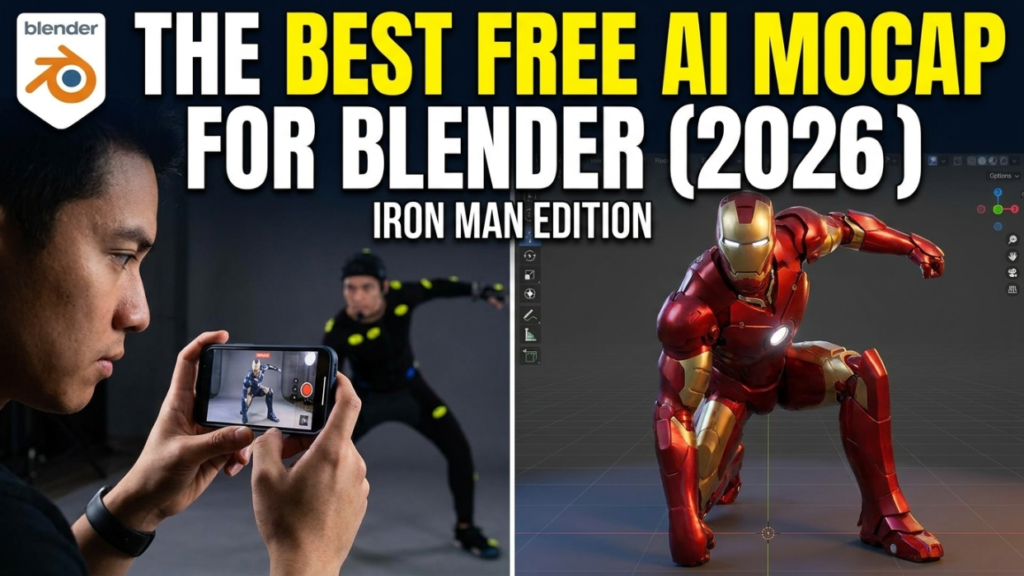
What to look for in a Blender-friendly mocap tool
Not every mocap tool plays nicely with Blender. Three things matter:
- Export format — you want FBX or BVH. Both import into Blender natively; FBX carries a skeleton, BVH is pure motion.
- A clean, standard skeleton — the closer the exported rig is to a standard humanoid, the easier retargeting becomes.
- Single-camera capture — so you can shoot on a phone instead of building a camera rig.
Top free picks for Blender
1. QuickMagic — best for fast video-to-Blender
QuickMagic runs in your browser: upload a single-camera clip, and it estimates body, hand and finger motion, then exports FBX on the free plan (monthly credits). That FBX imports straight into Blender. It’s the quickest path from “video on my phone” to “animation on my character,” which makes it the default starting point for most Blender users.
2. Cascadeur — best for cleanup before Blender
Raw single-camera mocap often floats or slides. Cascadeur fixes that: import your captured FBX, run AutoPhysics to add weight and momentum, use AutoPosing to repair broken frames, then export FBX/USD into Blender. It runs on Windows, Linux and ARM Macs, and the free tier is perfect for learning the cleanup workflow.
3. Rokoko Vision — best free webcam capture
Rokoko Vision captures from your webcam or an uploaded video for free, and exports FBX/BVH. Its real advantage is the surrounding ecosystem: you can clean and retarget inside Rokoko Studio before sending motion to Blender.
4. FreeMoCap — best fully open-source option
FreeMoCap is a genuinely free, open-source, multi-camera project aimed at research-grade markerless capture. It’s more setup than the browser tools, but there’s no paywall anywhere and it’s ideal if you like to tinker.
How to import mocap into Blender
Once you’ve exported FBX (or BVH), the Blender side is straightforward:
- File → Import → FBX (or BVH). Select your exported file.
- In the import settings, enable Automatic Bone Orientation for FBX — it prevents twisted bones.
- Press play. You should see the imported armature perform your captured motion.
- If the scale looks tiny or huge, fix it on import or apply scale afterwards (
Ctrl+A → Scale).
At this point you have a moving skeleton. The last step is getting that motion onto your character.
Retargeting to your own rig
Your captured skeleton and your character’s rig rarely match bone-for-bone, so you retarget:
- Auto-Rig Pro (paid add-on) — has a robust remap tool that maps source bones to your rig.
- Rokoko’s free Blender add-on — retargets motion directly inside Blender, handy if you captured with Rokoko Vision.
- Mixamo route — if your character is Mixamo-rigged, matching the standard humanoid makes remapping painless.
Retarget once, save the bone map, and every future clip drops onto your character in seconds.
The recommended free workflow
For most Blender users, this is the sweet spot:
- Capture in QuickMagic (single video → FBX).
- Optional cleanup in Cascadeur (AutoPhysics for weight and ground contact).
- Import the FBX into Blender.
- Retarget to your rig with Auto-Rig Pro or the Rokoko add-on.
- Polish, add secondary motion, render.
No suit, no studio, and nothing that Blender’s own toolset can’t finish.
FAQ
What’s the best free AI mocap for Blender?
QuickMagic for capture (free FBX export straight into Blender) and Cascadeur for cleanup. Rokoko Vision is a strong free alternative with in-ecosystem retargeting.
Does FBX or BVH import better into Blender?
Both work natively. FBX brings a skeleton with the motion; BVH is motion-only and needs a matching armature. FBX is usually the smoother path.
Do I need to retarget?
Only if your character’s rig differs from the captured skeleton — which is common. Auto-Rig Pro or the free Rokoko add-on handle it.
Can I get finger and face motion?
Yes — QuickMagic captures hands and face from a single camera, and that data comes through on export.
New to all this? Start with how to convert video to FBX motion data for free, or see the full free AI mocap tools directory. Deciding between the two tools above? Read QuickMagic vs Cascadeur.
More free mocap guides: free markerless motion capture, AI motion capture from video.
Last updated: August 2026.
Disclosure: some links above are affiliate links. If you sign up through them we may earn a commission at no extra cost to you. It never affects our rankings.