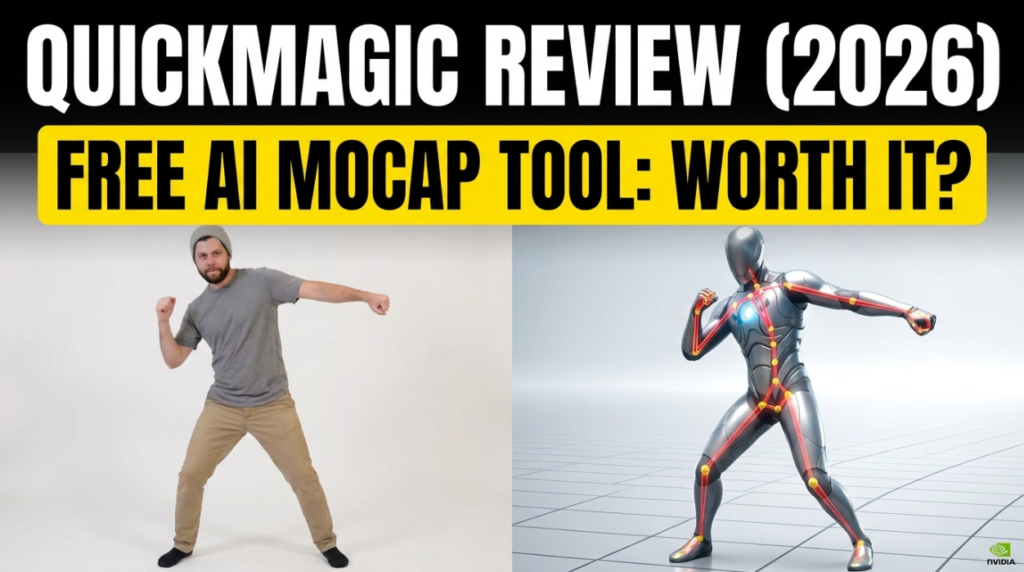
QuickMagic is a browser-based AI motion capture tool that turns an ordinary video — or even a text prompt — into 3D character animation, free to start and with no suit, markers, or hardware. If you’ve seen it top the “AI mocap” search results and wondered whether it actually delivers, this hands-on-style review breaks down what it does well, where it falls short, what the free plan really gives you, and who should use it.
The 30-second verdict
QuickMagic is the fastest, most accessible way to get usable full-body, hand and facial motion from a single video. Its finger tracking and “grounded” motion (minimal foot-sliding) are genuinely strong for a free browser tool. The trade-offs: a credit-based free plan, a mild learning curve, and the best export formats sitting behind paid tiers. For most indie creators, it’s the first tool to try.
What QuickMagic does
Video-to-3D mocap. Upload a single-camera clip and QuickMagic’s cloud AI reconstructs the skeleton — full body, hands and fingers, and facial motion — then hands you editable animation data. Text-to-motion. You can also type a prompt and generate motion without any footage. Multi-character capture is supported, and everything runs in the browser, so there’s nothing to install and no GPU required on your end.
The output drops into Blender, Maya, Unreal, Unity, 3ds Max and MotionBuilder via FBX, with BIP, Mixamo and VMD available on paid plans.
What the free plan actually gives you
The free plan includes 50 monthly credits (“V Coins”) and lets you run up to two captures at once, exporting FBX. That’s enough to test real footage and produce short animations. Where the free tier limits you: credits cap how much you capture per month, clip length is shorter than on paid plans, and formats like BIP, Mixamo and VMD (plus longer videos and faster processing) unlock on the Basic, Pro, Max and Studio tiers. Confirm the current numbers on QuickMagic’s pricing page before you commit.
Where QuickMagic shines
- Finger and hand tracking is a standout — most free tools ignore fingers, and QuickMagic captures them convincingly.
- Grounded motion. Its anti-penetration handling keeps feet planted, so you get less of the floaty, sliding look single-camera capture usually produces.
- Zero setup. Browser-based, no install, no hardware — you’re capturing minutes after signing up.
- Face + body + hands from one clip, which is rare at the free tier.
Where it falls short
- Credit limits. The free plan’s 50 credits go quickly if you iterate a lot.
- Internet dependent. Processing is cloud-based, so you need a stable connection and you’re uploading your footage.
- Best formats are paid. FBX covers most needs, but BVH/Mixamo/VMD and longer clips require a subscription.
- A learning curve. Getting clean results means learning good capture technique (framing, lighting) and some cleanup.
Who should use QuickMagic?
It’s ideal for indie game devs, animators, VTubers and content creators who want professional-shaped motion without professional-grade budgets. If you need a quick, accurate body-and-hands capture from a phone video, it’s the default first choice. If you mainly need to refine existing mocap, pair it with a cleanup tool — see our QuickMagic vs Cascadeur comparison.
The verdict
For a free, browser-based AI mocap tool, QuickMagic is genuinely impressive — fast, accurate where it counts, and generous enough on the free plan to ship real work. The credit ceiling and paid-format gate are fair trade-offs for what you get. If you’re starting free AI motion capture in 2026, start here.
FAQ
Is QuickMagic free?
Yes — the free plan gives you 50 monthly credits and FBX export, enough to capture real clips. Paid tiers add more credits, longer videos, faster processing and extra formats.
Does QuickMagic capture hands and face?
Yes — it reconstructs full body, fingers and facial motion from a single video, which is rare among free tools.
What can I export from QuickMagic?
FBX on the free plan; BIP, Mixamo and VMD on paid tiers. It works with Blender, Unreal, Unity, Maya and more.
Does QuickMagic need a mocap suit?
No — it’s markerless. A single phone or webcam video is all you need.
Compare it head-to-head in QuickMagic vs Cascadeur, see the 8 best free AI mocap tools, or learn how to convert video to FBX free.
Disclosure: some links above are affiliate links. If you sign up through them we may earn a commission at no extra cost to you. It never affects our assessment.